Chapter 50 · Part 6
Meta Messenger API
For developers: send text, files, and enabled template messages from your registered Facebook Page through one JSON endpoint — with webhooks for inbound messages and delivery status.
The essentials
One JSON endpoint
A single HTTP POST (Content-Type: application/json, UTF-8) handles all outbound types.
Up to 20 recipients
Send text and files to as many as 20 recipients per request.
Webhooks
Receive inbound messages and delivery-status updates on your own endpoint.
Three outbound types
- MESSAGEA free-form text reply, with an optional URL preview.
- FILEOne publicly accessible image or document URL per send.
- TEMPLATEAvailable only to accounts with an enabled Messenger template.
Two rules that catch developers out
- Recipients are PSIDs, not phone numbersMessenger uses Page-scoped IDs: a PSID belongs to one Facebook Page and must not be reformatted. Standard text and file sends should go out while the customer’s reply window is open.
- Don’t trust HTTP 200 aloneA request is accepted only when the response has
statusCode = 0and a non-emptymessageId. Always check both.
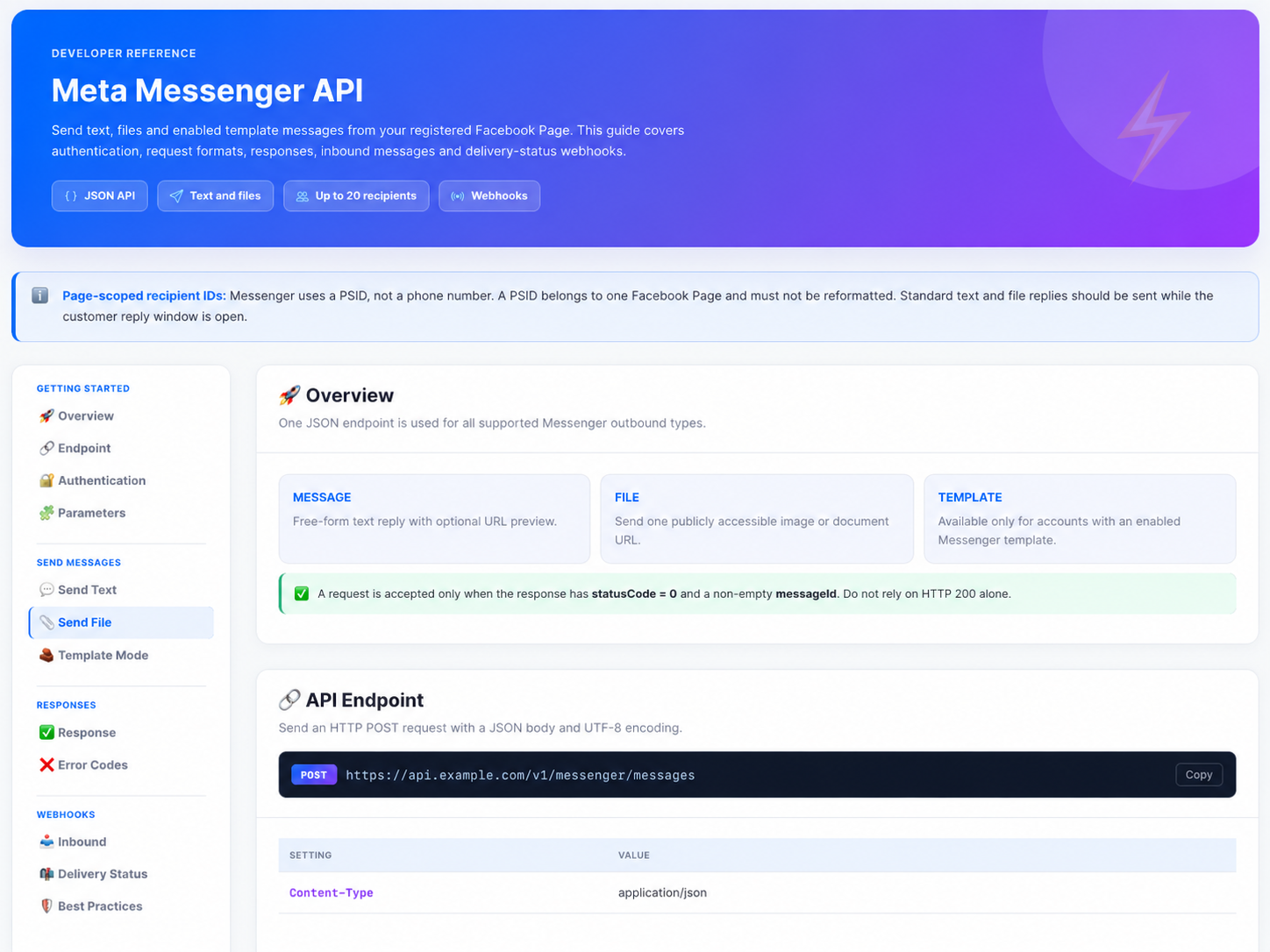
The full developer reference — endpoint URL, authentication, every parameter, response and error codes, and webhook payloads — is available in the portal’s Messenger API documentation. Contact us if you need API access enabled on your account.
Need help?
Our team is happy to assist with anything in this guide. Contact us →